image
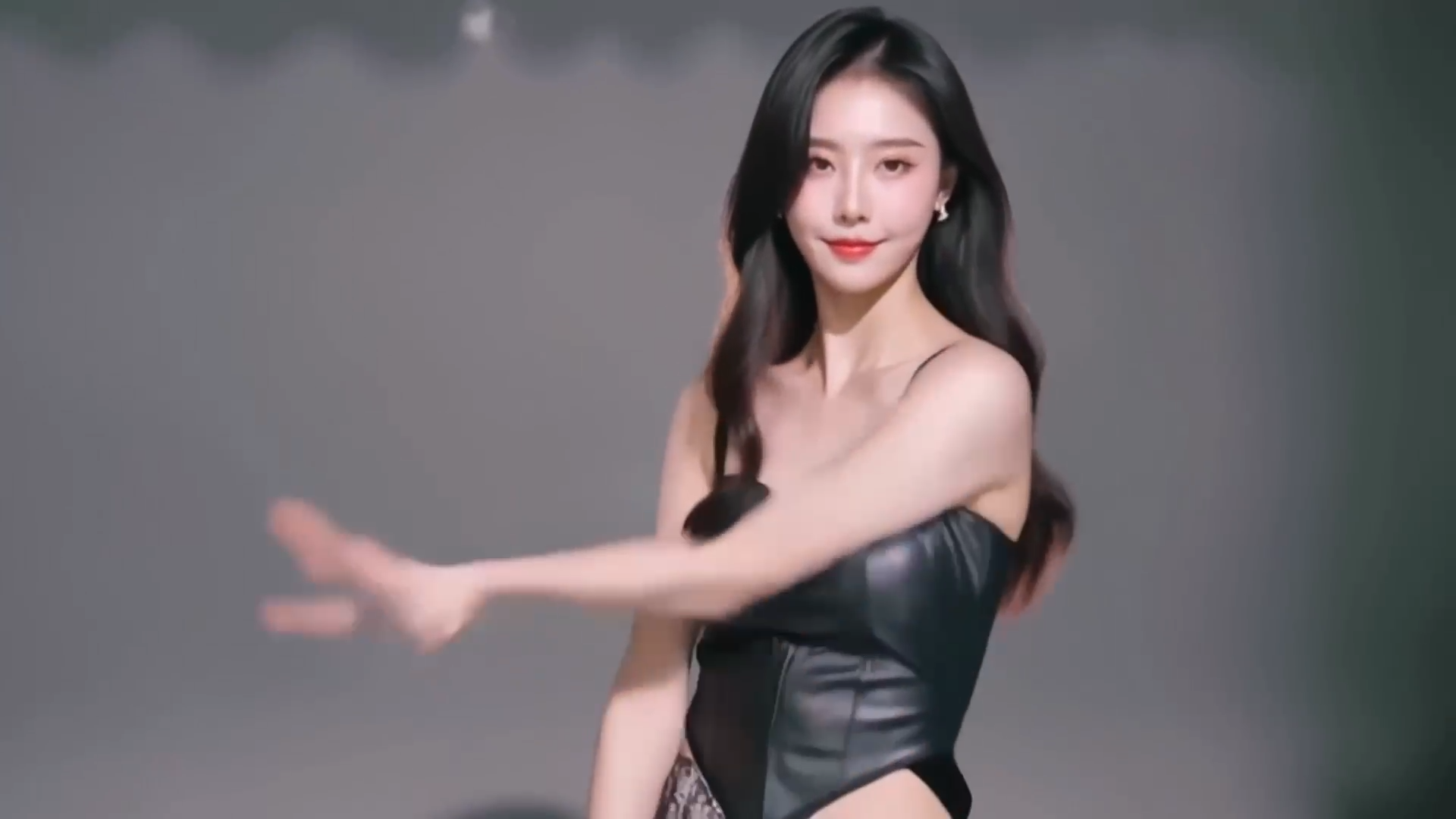
Hero frame
Lighting and wardrobe lock
Image To Video
Turn a single image into a short AI video with simple prompts instead of complicated editing tools. ReVeedo helps creators add motion, camera movement, and scene energy for product promos, social content, concept shots, and visual storytelling.
Use Cases
ReVeedo helps you transform a static image into a dynamic video clip by describing the movement you want. You can animate portraits, product shots, illustrations, concept art, and marketing visuals without building a timeline by hand.
Add motion to ecommerce images, landing-page visuals, and paid social assets without scheduling a new shoot.
Turn still portraits or drawn characters into short clips with subtle motion, camera drift, and better scene energy.
Try different pushes, pans, and pacing before full production so the motion direction is clear early.
Convert strong still visuals into motion-first posts that feel more native to short-form platforms.
Motion Direction
Upload one image, describe the motion, and generate a short video clip with AI.
Start FreeHow It Works
Start with an image, describe the movement you want, then generate and refine the result until it fits your scene, pacing, and visual goal.
A product image, character illustration, key visual, or cinematic still works best when the composition already holds the idea.
Define camera behavior, subject movement, and scene atmosphere in plain language instead of timelines and keyframes.
Review whether the pacing, push, and energy feel intentional, then refine until the output is ready to publish with Reveedo.
FAQ
You can start with most still images, including product photos, illustrations, portraits, and concept art. Clear, well-composed images usually produce better motion results.
Start Creating
Traditional video production often requires multiple tools and manual steps. ReVeedo helps you move faster by turning one image and one prompt into a usable starting point for creative production.
Start Free